

DMX512 Explained: Where It Is Used and How It Controls LED Strips
DMX512 is a professional digital lighting-control standard for synchronised scenes, colour changes and pixel effects. This guide explains its operation, wiring rules, benefits and limitations when used with LED strip systems.
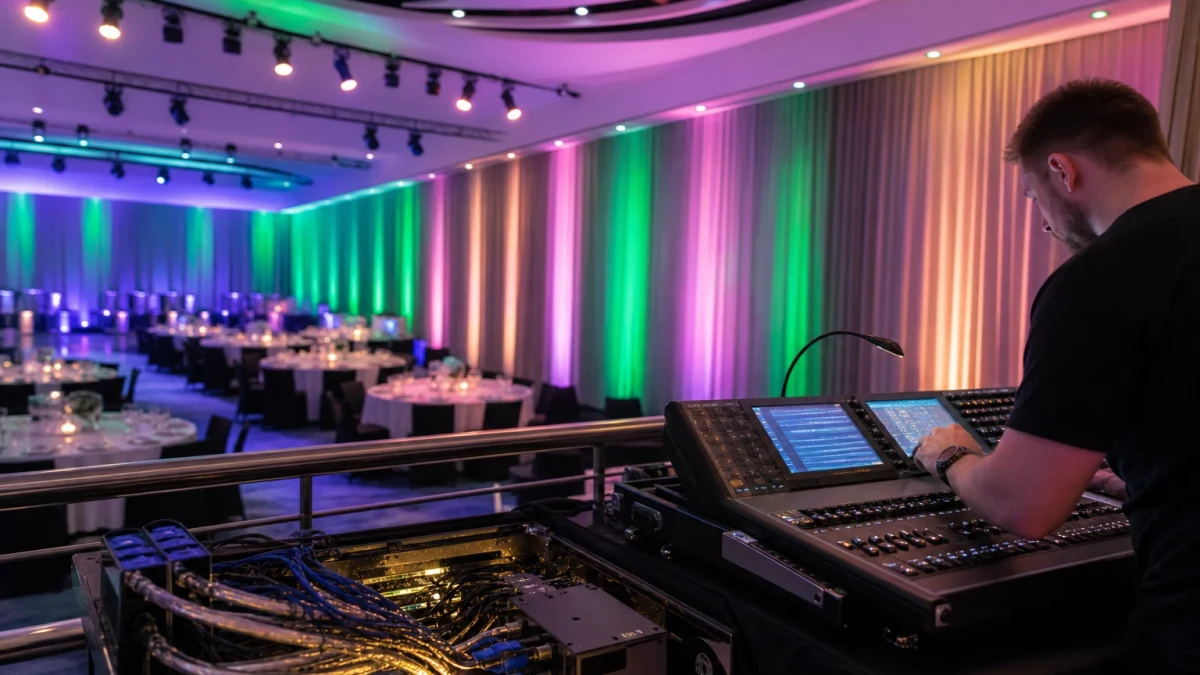
DMX512 is a digital communications standard widely used in entertainment lighting, architectural colour-changing installations and event spaces. It allows a central controller to manage luminaires, decoders and LED strip sections in a coordinated way. The result can be repeatable lighting scenes, smooth fades, colour changes and synchronised effects across a complete installation.
For a digital LED strip series, one distinction is essential: addressability describes whether pixels or strip sections can be controlled independently, whereas DMX512 is the protocol used to send control data. A pixel strip may not accept a DMX signal directly; it may require a compatible decoder to convert DMX data into the signal required by its LED control chips.
What is DMX512?
DMX512, formally defined by ANSI E1.11, is a one-way digital control protocol for lighting devices. Its electrical layer uses differential serial signalling compatible with RS-485. Because the data is transmitted differentially, it is more resistant to interference than a basic single-wire control signal when the system is correctly designed and wired.
A single DMX data stream, known as a universe, carries up to 512 control channels. Each channel has a value from 0 to 255. In a conventional RGB fixture, three channels normally set red, green and blue output. An RGBW fixture typically uses four channels, while a more advanced device may use additional channels for master dimming, strobe, macros or other functions.
DMX512 transmits at 250 kbit/s using eight data bits, no parity and two stop bits. A fully populated universe refreshes at approximately 44 times per second, which is sufficient for smooth control in the vast majority of architectural and entertainment lighting applications.
How DMX controls an LED strip
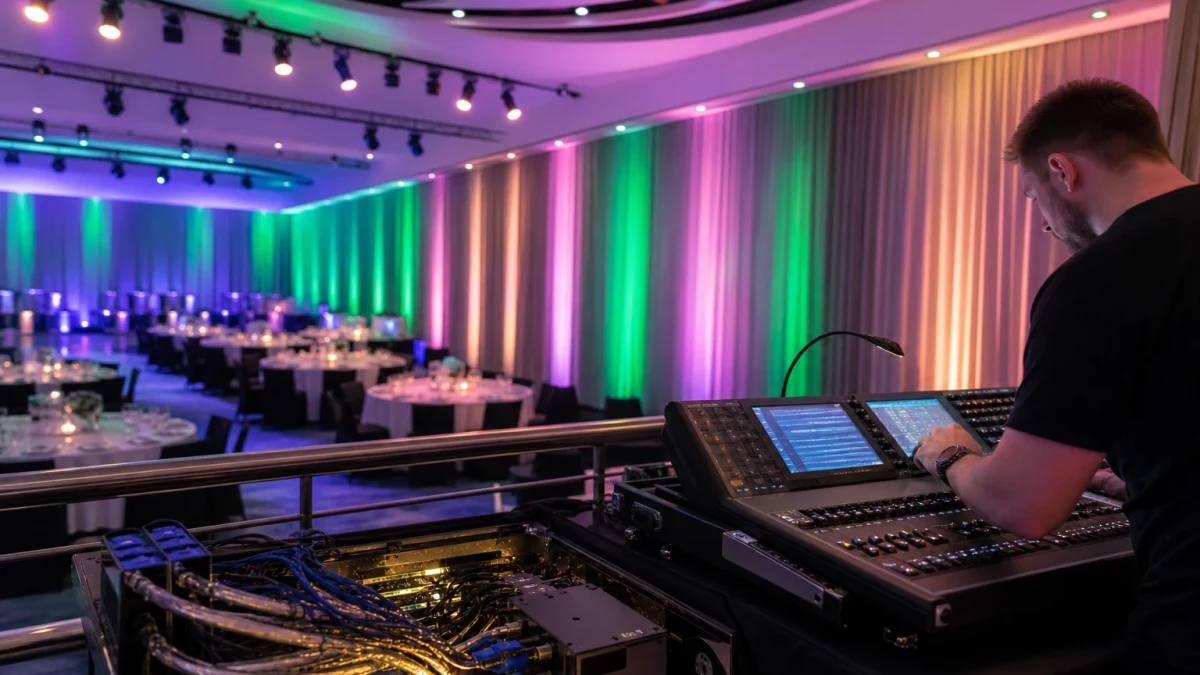
DMX data does not power LEDs. A system therefore has two distinct parts: the power distribution for the strip and the data network. A typical arrangement includes a DMX controller or console, DMX data cable, a DMX decoder or a strip with a DMX input, and a suitably selected constant-voltage LED power supply.
A decoder receives the DMX stream and converts channel values into LED outputs. With a conventional RGB strip, it may use three PWM outputs to control one connected strip section. In a pixel system, the decoder or the electronics built into the strip distributes information to consecutive pixels or pixel groups. More independently controlled points always mean more channels are consumed.
| Controlled element | Typical DMX channel use | Purpose |
|---|---|---|
| One RGB strip section | 3 channels | Separate red, green and blue levels |
| One RGBW strip section | 4 channels | Separate red, green, blue and white levels |
| One RGB pixel | 3 channels | Individual control of one pixel |
| Large pixel installation | Many channels | May need to be split over several universes |
The 512-channel figure does not mean that all 512 channels will always be available for useful control. The channel mode of every device, its start address and the number of channels it occupies must be accounted for. For example, 170 individually controlled RGB pixels use 510 channels, leaving two channels unused in that universe.
DMX addressing
Every DMX receiver needs a start address: the first channel from which it reads data. An RGB decoder set to address 1 will normally use channels 1–3; the next RGB decoder can begin at address 4. Devices with the same address and channel mode will respond in exactly the same way, which can be useful where several strip sections should always display the same colour.
In pixel strip systems, addressing may be configured in the decoder, the controller or other system components. Before specifying equipment, check pixel density, pixel grouping, channels per pixel and compatibility with the intended DMX controller.
DMX cabling: essential installation rules
DMX is a daisy-chained bus: from the controller output to the first receiver, then to the next device and onwards. It should not be wired as an improvised star using Y-splits. Where one signal line needs to feed several directions, use an active DMX splitter, ideally one with isolated outputs.
- Use cable intended for DMX or differential digital transmission with a 120 Ω characteristic impedance.
- Run the signal from one device to the next and maintain the correct data-line polarity.
- Fit a 120 Ω DMX terminator at the end of each branch where required by the topology and equipment.
- Avoid long stubs, ad-hoc adaptors and cable of unknown electrical characteristics.
- Plan data-cable routes carefully in relation to power wiring, especially in high-power or extensive installations.
- Before commissioning, check cable continuity, addresses, channel modes and device order.
A conventional DMX bus has limits on line loading and cable length that arise from RS-485 transmission requirements. Modern receivers may impose less loading than legacy devices, but this does not remove the need to follow the specifications for the controller, decoders and splitter. Larger installations should be divided into separate branches or universes rather than pushed to the limits of a single data line.
Where are DMX LED strips used?
DMX-controlled strips and modules are most appropriate where lighting must create scenes, work as part of a larger control system or remain synchronised with other luminaires. Typical applications include:
- facades, cornices and architectural details with programmed colour changes;
- hotels, restaurants, bars, clubs and event venues;
- stages, studios, exhibitions, trade-show stands and set design;
- shop windows, signage elements and seasonal decorative schemes;
- pool, garden and facade lighting, provided that every component is suitably rated for the environment;
- large interiors where LED lighting must interface with a building-control system through an appropriate gateway or interface.
For exterior projects, selecting an IP65 strip alone is not enough. Connections, decoder enclosures, cable entries and power supplies must also be suitable for the location. See our Roof Soffit Lighting – A Practical Guide for more considerations around lighting installed on a building exterior.
Advantages of DMX for digital LED strips
- Accurate control: channels can be assigned to zones, segments or individual pixels.
- Scalability: additional universes and data branches can extend the installation.
- Synchronisation: a single controller or console can run coordinated scenes across strips, fixtures and other DMX equipment.
- Repeatable effects: stored programmes can reproduce the same sequences at scheduled times or during events.
- Robust data transmission: the differential signal format suits professional installations when correct cable and topology are used.
Limitations to consider
- Universe channel limit: a substantial number of RGB pixels will quickly require additional universes.
- Greater system complexity: addressing, controller configuration and organised cable routing are necessary.
- Installation discipline: errors in termination, topology or polarity can lead to unreliable operation.
- Power must be designed separately: DMX data does not prevent voltage drop. Long strip runs need suitable cable sizes and often additional power injection points.
- System cost: professional controllers, decoders, splitters and correct data cable are generally more expensive than a simple RGB strip controller.
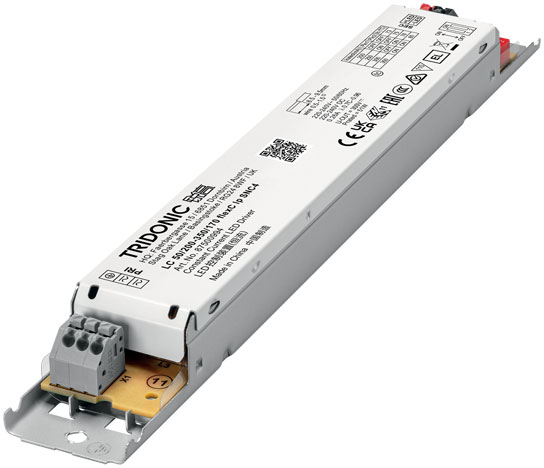
Choose the power supply from the voltage and total power demand of the specific strip, with sensible capacity headroom. Our guide How to Find the Right LED Power Supply explains the key selection principles.
DMX, standard RGB strips and addressable strips
A standard RGB strip has common red, green and blue channels for the entire connected section. A basic controller can change the colour of that whole section, but cannot create independent effects along individual LEDs. An addressable strip has control electronics that permit independent control of pixels or pixel groups, but its communication method depends on the strip design.
DMX512 can serve as the input protocol for a pixel system, but not every digital strip is natively DMX-compatible. Some need a DMX decoder designed for that particular pixel protocol. The LED package, such as 5050, does not by itself determine the control method; see 5050 LEDs – Types, Power Ratings, Manufacturers and Applications for a discussion of this LED format.
Planning a DMX strip installation
- Define the desired effect: uniform RGB/RGBW zones or pixel-level animations.
- Calculate the independently controlled elements and channels required for each one.
- Plan the division into universes, DMX branches, controller positions and decoder locations.
- Select data cable, splitters and terminators for the intended topology.
- Calculate power demand, power-cable runs and strip power-injection points.
- Verify the environmental rating of every component for its installation location.
- Create an address schedule and cable labelling plan to simplify commissioning and future service.
Summary
DMX512 is a proven standard for projects where a simple RGB strip controller is no longer enough. It enables controlled scenes and scalable pixel installations, but only when channels, power distribution and the data bus are properly planned. DMX512 strip solutions are currently available to order. If you need assistance choosing a strip, decoder, controller, power supply or a suitable system layout, please contact us.
Contact us — we will help you choose the right solution
Choose your preferred contact method